Instagram Font Generator
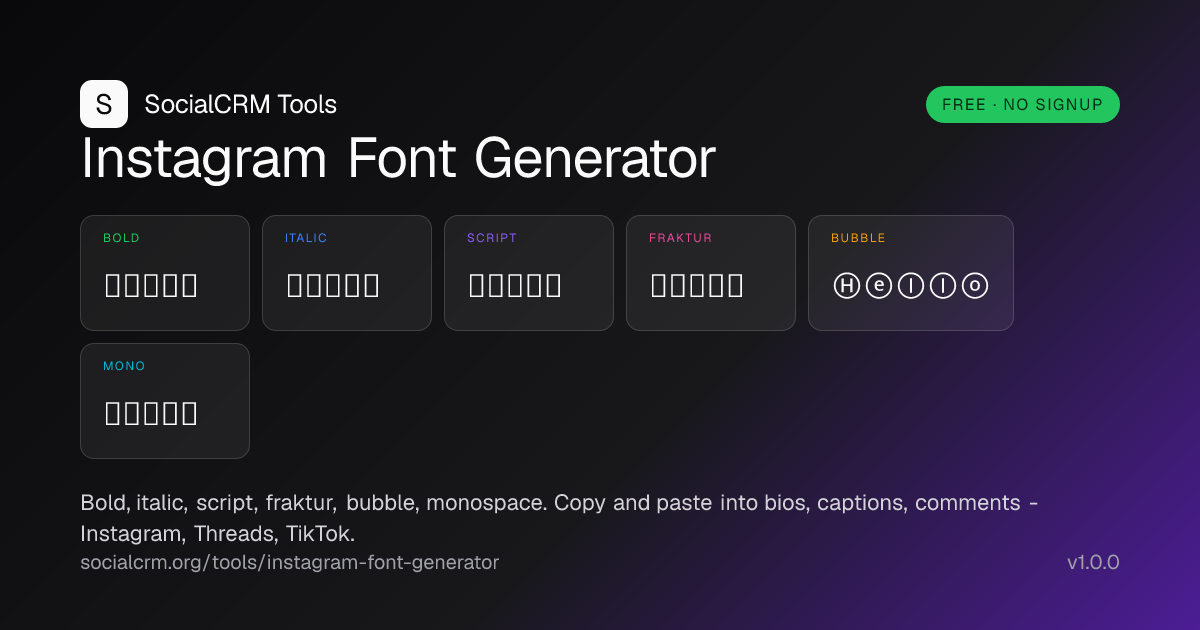
Free Instagram font generator. Convert text to bold, italic, script, fraktur, bubble, and monospace Unicode styles. Copy and paste into bios and captions.
- Style an Instagram bio name with a bold or script Unicode font.
- Make a caption hook line stand out without using all-caps.
- Add italic emphasis inside a comment or DM where Instagram offers no formatting.
- Differentiate section labels on a Threads or LinkedIn post.
- Create aesthetic usernames using bubble or fraktur Unicode characters.
Bold
Sans-serif bold - Mathematical Alphanumeric Symbols.
Italic
Mathematical italic - slanted serif glyphs.
Script
Cursive script - calligraphic flourishes.
Fraktur
Blackletter - gothic ornamental capitals.
Bubble
Circled - Enclosed Alphanumerics.
Monospace
Fixed-width - code-style glyphs.
Accessibility note: Styled characters are real Unicode glyphs, but most screen readers do not pronounce them and Instagram's search will not match styled words. Keep your handle, primary keywords, and hashtags in plain text. Use these styles for emphasis on bio lines and caption hooks only. Output runs in your browser; nothing is sent to a server.
What is an Instagram font generator?
An Instagram font generator converts plain Latin letters and digits into alternative Unicode glyphs that visually look like a different typeface. Instagram itself does not allow custom fonts in bios or captions, but it does render every Unicode codepoint that your device's system font supports. Pasting bold, italic, script, fraktur, bubble, or monospace Unicode is the workaround creators use to add emphasis where the platform offers no formatting.
How Unicode font generators actually work
The output is not a font file or an image. Each "styled" character is a different Unicode codepoint with its own glyph baked into your system font. The generator simply maps each Latin letter to its visual twin in another Unicode block.
- Mathematical Alphanumeric Symbols (U+1D400 – U+1D7FF). The Unicode block that defines bold, italic, script, fraktur, double-struck, and monospace alphabets, originally for math notation.
- Enclosed Alphanumerics (U+2460 – U+24FF). The block behind "bubble" circled letters and digits.
- Reserved-codepoint remaps. A few letters (italic h, script B/E/F/H, fraktur C/H/I/R/Z) live outside the main block at their canonical earlier-block codepoints. The generator handles these automatically.
- Other characters pass through. Emoji, punctuation, whitespace, and non-Latin scripts are left unchanged so your output does not break.
How to use the Instagram font generator
- Type the text you want to style. Use the input at the top. Any Latin letter or digit converts to the matching Unicode glyph; emoji, punctuation, and other scripts pass through unchanged.
- Pick a style. Six output cards render simultaneously: bold, italic, script, fraktur, bubble, and monospace. Compare them side by side and pick the one that matches your aesthetic.
- Copy the styled text. Each card has its own copy button. Click once and the styled text is on your clipboard, ready to paste into a bio, caption, comment, or DM.
- Paste into Instagram or any other app. The output is real Unicode, not a font file or image. Instagram, Threads, TikTok, X, LinkedIn, Facebook, and Discord all render it natively.
Why use our font generator
- Six styles, one screen. Bold, italic, script, fraktur, bubble, and monospace render side by side so you compare instead of guessing.
- Real Unicode, not images. Output is plain text - no font file, no PNG, no signup, no watermark. Pastes everywhere a string of text can go.
- Reserved codepoints handled correctly. Italic h, script E/F/H, fraktur C/H/I/R/Z all map to their canonical Unicode twins so the output is technically valid and renders consistently.
- Honest about limits. Visible accessibility and search warning on the tool itself - not buried in fine print - so you do not accidentally style your handle into invisibility.
- No data leaves your browser. The transformation is fully client-side. Drafts are never sent, stored, or logged.
Examples: real bios and captions
𝗝𝗮𝗸𝗲 𝗥𝗶𝘃𝗲𝗿𝗮 - solo founder, Build in public 5×/week
Bold name pulls focus, plain-text role keeps Instagram search matching "solo founder".
𝓜𝓲𝓭𝓷𝓲𝓰𝓱𝓽 𝓟𝓸𝓮𝓽𝓻𝔂 ✦ slow living ✦ tea + film
Script font on the brand line, plain-text descriptors so hashtags still match.
The thing nobody tells you about scaling: 𝑦𝑜𝑢 𝑑𝑜 𝑛𝑜𝑡 𝑛𝑒𝑒𝑑 𝑚𝑜𝑟𝑒 𝑟𝑒𝑎𝑐ℎ. You need a better hook.
Italic Unicode adds emphasis where Instagram offers no native formatting, without falling back to all-caps.
Ⓒ Context Ⓛ Lesson Ⓡ Result
Bubble letters as inline section markers - readable, scannable, and they carry a strong visual rhythm in long captions.
Best practices for Unicode font styling
- Keep your handle and keywords plain. Instagram search does not index Unicode-styled words. Your username, the niche you target, and the hashtags below the caption must stay in standard Latin to stay discoverable.
- Use one style per surface. Mixing four fonts in one bio reads as visual noise. Pick one for the name line and stop.
- Mind the screen reader. Most assistive tech does not pronounce Mathematical Alphanumeric characters. Anything load-bearing (your offer, contact info) must stay in plain text.
- Test on the device that matters. Older Android system fonts ship without parts of the Mathematical block. Preview on a friend's device before assuming it renders everywhere.
- Prefer bold and italic for emphasis. They look closest to the typography readers see in normal apps. Script and fraktur read as decoration; reserve them for brand or aesthetic-account contexts.
Frequently asked questions
Are these real Instagram fonts?
They are not custom Instagram fonts - Instagram does not allow custom typefaces. The output is genuine Unicode glyphs from the Mathematical Alphanumeric Symbols and Enclosed Alphanumerics blocks. Every character is a standard codepoint that any modern device renders, which is why the styling survives copy and paste across apps.
Will styled fonts hurt my reach on Instagram?
Styled characters are not indexed by Instagram search. Keep your handle, primary keywords, and hashtags in plain text so search and discovery still work, and use Unicode styling for aesthetics on the parts of your bio or caption that do not need to match a query.
Why do some fonts show as boxes on my phone?
A handful of older Android devices and some legacy browsers do not include the full Mathematical Alphanumeric Symbols block in their default fonts. The character is correct; the device just does not have a glyph for it. Switching to a system font with broader Unicode coverage (Noto Sans, San Francisco) fixes the rendering.
Will styled fonts hurt my Instagram search visibility?
Yes - and it's the single biggest tradeoff to weigh. Instagram's search index normalises against plain Latin, so "𝓶𝓪𝔂𝓪.𝔀𝓻𝓲𝓽𝓮𝓼" (script-styled) is invisible against the query "maya writes," while plain "maya.writes" ranks. Reserve styled fonts for accent words in captions and Story text - never the primary niche keyword in your bio or display name. The username field rejects styled Unicode outright; it's plain-Latin only.
Are these fonts safe to use on Instagram?
From a Terms-of-Service standpoint, yes - styled Unicode is plain text, not an executable, and Instagram has never penalised accounts for using it. The tool runs entirely in your browser. The real cost is search visibility (see above), not platform sanctions. Heavy emoji-and-styled-font bios also get downranked by Instagram's "low-quality account" classifier when used at scale, so use sparingly.
Can I use these fonts on TikTok, LinkedIn, and Threads?
Yes. Unicode glyphs render across every modern social platform, including TikTok bios and captions, LinkedIn posts and headlines, Threads, Facebook, X (Twitter), Discord, and Reddit. The output is a single string that works everywhere.
Do styled fonts count as more characters?
Most styled glyphs are a single Unicode codepoint, but several encode as a surrogate pair in UTF-16 (which is how JavaScript and most platforms count characters). Bold, italic, script, fraktur, and monospace mostly count as 2 per character; bubble counts as 1. Always check against the platform's own character counter before posting.
Related reading
- Instagram search queries optimization - exactly which Instagram surfaces are indexed and why styled keywords disappear from search results.